Building ZeroScribe: Why I’m building my own AI note-taker from scratch
Brad Malgas
Author
This is Day 0 of building ZeroScribe - a local, private, AI-powered note taker. Best of all? It doesn't cost a cent.
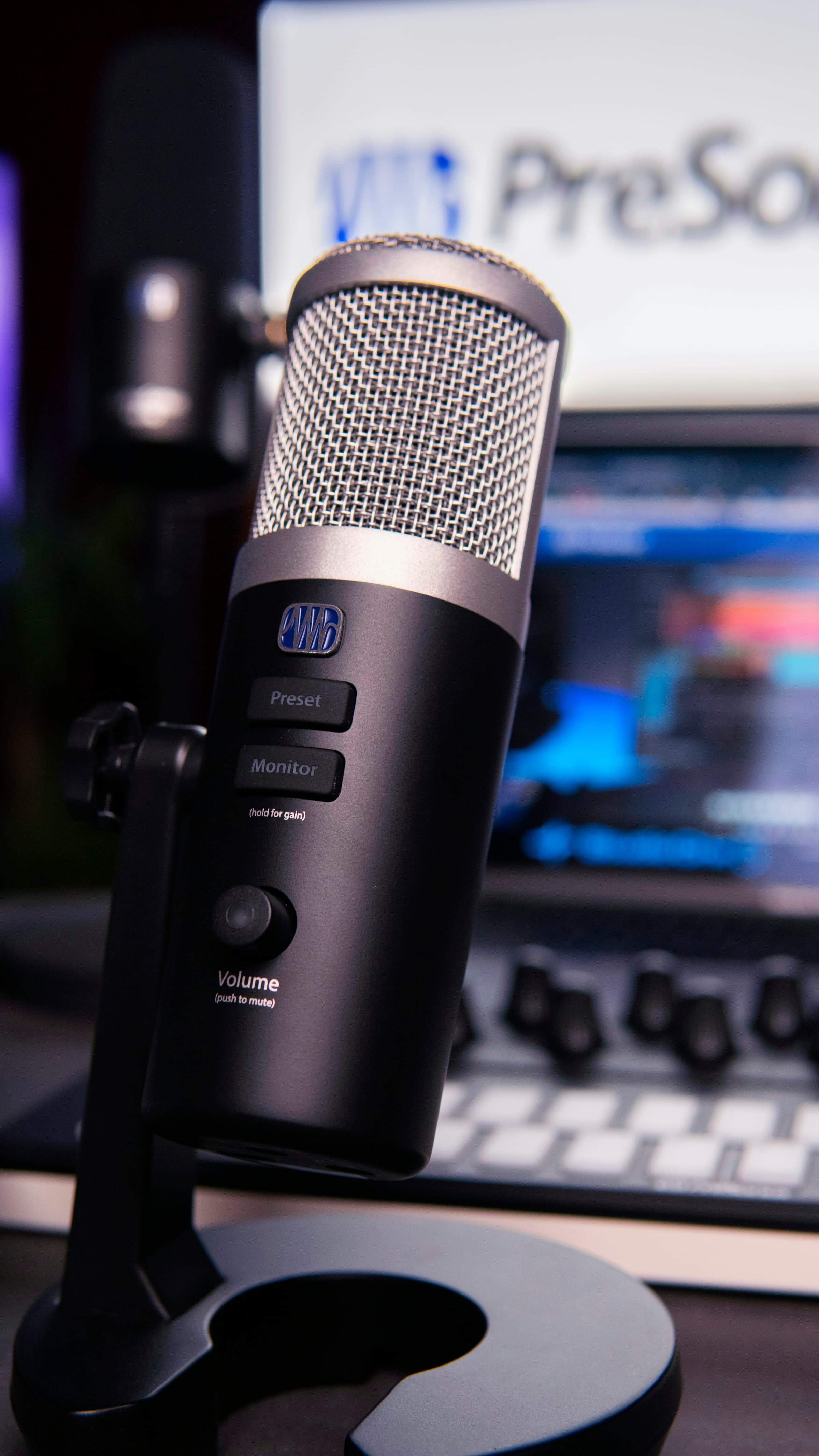
The idea is pretty simple: I want to build a local-first meeting note-taker.
Not another cloud recorder. Not another subscription tool where your meeting audio disappears into somebody else's servers. The goal is to capture audio locally, transcribe it locally, format it locally, and save the output as plain Markdown notes that I can actually inspect.
And that's not even the bigger vision.
Day zero was mostly getting the first files in place: creating the Python virtual environment, installing dependencies, and trying to make one audio file turn into text.
I started with a Voice Memo from the macOS app, then immediately got suspicious because Voice Memos already has built-in transcription. My foolish brain went, "what if they embedded it somehow?" I have no idea what "somehow" means here. Please don't ask me to testify under oath. So I moved the goalposts and made the program record live audio instead, just to make sure there was no trickery happening.
Why I'm Building This
I spend a lot of time in conversations where the details matter. Mostly with myself, but that's not the point. Technical calls. Product thinking. Debugging sessions. Planning. Random spoken thoughts that are useful for about five minutes before they vanish forever.
I could just build this little program so it outputs a normal transcript and call it done, but a transcript on its own is still basically a wall of text. What I actually want is something closer to useful notes: the decisions, the next actions, the open questions, the technical details, and the version of what I said without every filler word dragging itself into the final document.
There are apps that do this, but most of them rely on cloud processing. That is convenient, but it also means giving up control over the audio, the transcript, and the generated notes. What if I said something I wasn't meant to?
 If you don't get this joke, you are never getting on aux
ZeroScribe is my attempt to build the version I actually want: local, inspectable, good enough to use, and most importantly - say it with me y'all - FREEEEEE!
The First Setup
The first version is intentionally boring. It's just a proof of concept. No user interface. No menu bar app. No background service. No clever automation.
Just a Python script.
The starting setup looked like this:
python -m venv venv
source venv/bin/activate
pip install mlx-whisper sounddevice numpy scipy openai
The early stack was small on purpose: mlx-whisper for local Whisper transcription on Apple Silicon, sounddevice for audio capture, numpy and scipy for handling and saving audio, and openai as a local client for LM Studio later. The openai package looks suspicious in a local-first project, I know, but here it is only a client pointed at LM Studio's local API server, not a hosted API call.
The first test was not live recording yet. I started with an existing audio file called test_audio.m4a which I saved from from the Voice Memo app and sent it into mlx_whisper.transcribe(). The model target was mlx-community/whisper-large-v3-turbo, which is already converted into an MLX-friendly format.
That gave me the first tiny version of the pipeline:
import mlx_whisper

filename = "test_audio.m4a"

result = mlx_whisper.transcribe(
    filename,
    path_or_hf_repo="mlx-community/whisper-large-v3-turbo",
)

print(result["text"])
It does one thing: transcribe the file I saved and print the text.
Tiny, but real.
The First Error
The first error was:
FileNotFoundError: [Errno 2] No such file or directory: 'ffmpeg'
At first I had to figure out whether ffmpeg belonged inside the Python virtual environment or on the machine itself.
The answer: on the machine. Duh.
The reason is kind of obvious when you think about it. A venv manages Python packages. ffmpeg is a separate command-line program that audio libraries often call behind the scenes to decode or convert media files.
So the fix was to run:
brew install ffmpeg
Then I could verify it with:
which ffmpeg
ffmpeg -version
That was a useful reminder that not every dependency in a Python project is a Python package. Some parts of the pipeline live at the system level. Note = taken.
I then took it a step further and tried live audio. For that, I needed to capture the MacBook microphone. The sounddevice package handles this through PortAudio, and the recording bit is very simple:
myrecording = sd.rec(
    int(seconds * fs),
    samplerate=fs,
    channels=1,
    dtype="int16",
)

sd.wait()
That call starts recording into a NumPy array (audio is just data - crazy right?). sd.wait() then blocks until the recording is finished.
In order to save the recorded audio to a file, I used scipy.io.wavfile.write, which does exactly what it says: writes a NumPy array as a WAV file.
from scipy.io.wavfile import write

write("recording.wav", fs, myrecording)
Once that file existed, I could pass it into the same transcription path as the Voice Memo test. That gave me the first real shape of the product: capture audio, save audio, transcribe audio, inspect the result.
What Worked
By the end of Day 0, the project could record from my microphone, save the recording to a local audio file, and print a transcript using a local Whisper model.
That is not the full product. It does not understand conversation modes yet. It does not create Markdown notes yet. It does not talk to LM Studio yet. It definitely does not do any fancy system-audio routing through BlackHole.
But it proves the first important thing:
Local transcription is running.
That is the first brick.
What This Series Is
I'm calling this series Dev Diaries.
The plan is to document the whole build from the first file to the finished project. Raw screen recordings, unscripted thoughts, mistakes included.
This is not meant to be a polished tutorial where everything works on the first try.
It is more like: here is the actual process. Here is what broke. Here is what I misunderstood. Here is how the project changed as I learned.
Part of the reason I'm doing this is to showcase the work properly. Not just the final repo, but the thinking behind it: product decisions, debugging, architecture, tradeoffs, and the small boring steps that make a project real.
As part of my growth journey: I also want to create an accompanying YouTube video with each blog post for showing actual progress. The video for day 0 is here: Dev Diaries 00: Building a Local AI Meeting Scribe from Scratch
Current State
ZeroScribe is still at the scaffold stage.
Right now, the first working piece is a local transcription loop: take audio, save it as a file, pass it to MLX Whisper, and print the text. That is small, but it is also the thing everything else depends on.
The bigger direction is still the same. Capture microphone audio. Save it locally. Transcribe it locally with MLX Whisper. Send the raw transcript to a local LM Studio model. Format the result into useful Markdown notes. Keep the whole thing inspectable and local-first.
Day 0 got the project from nothing to the first local transcription test.
You can find the GitHub repo here: https://github.com/bradmalgas/zero-scribe
That is enough for today.
As a wise man once said:
I built this s**t, me! Brick by brick.
Loading comments…